 Compact Gantt
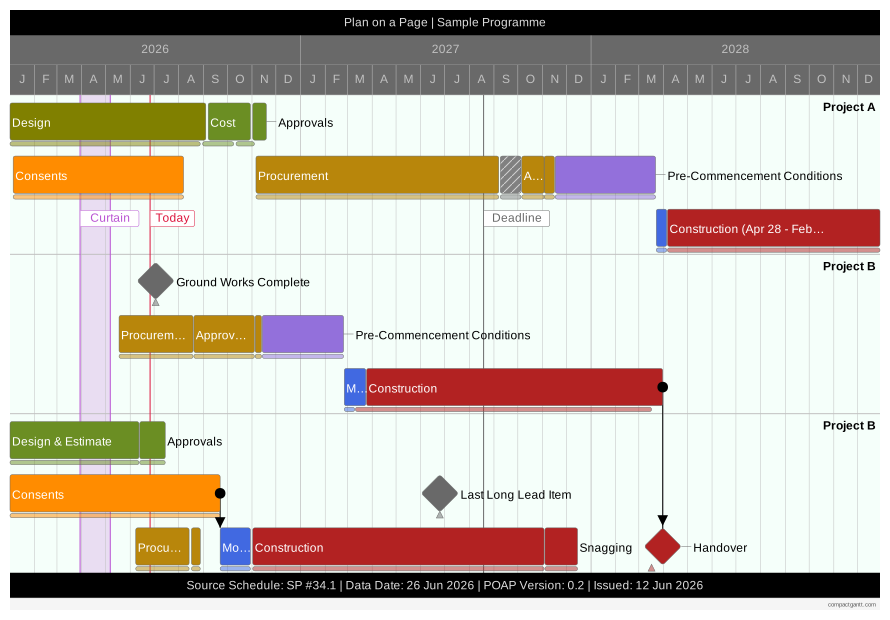
Pack your project onto one page…
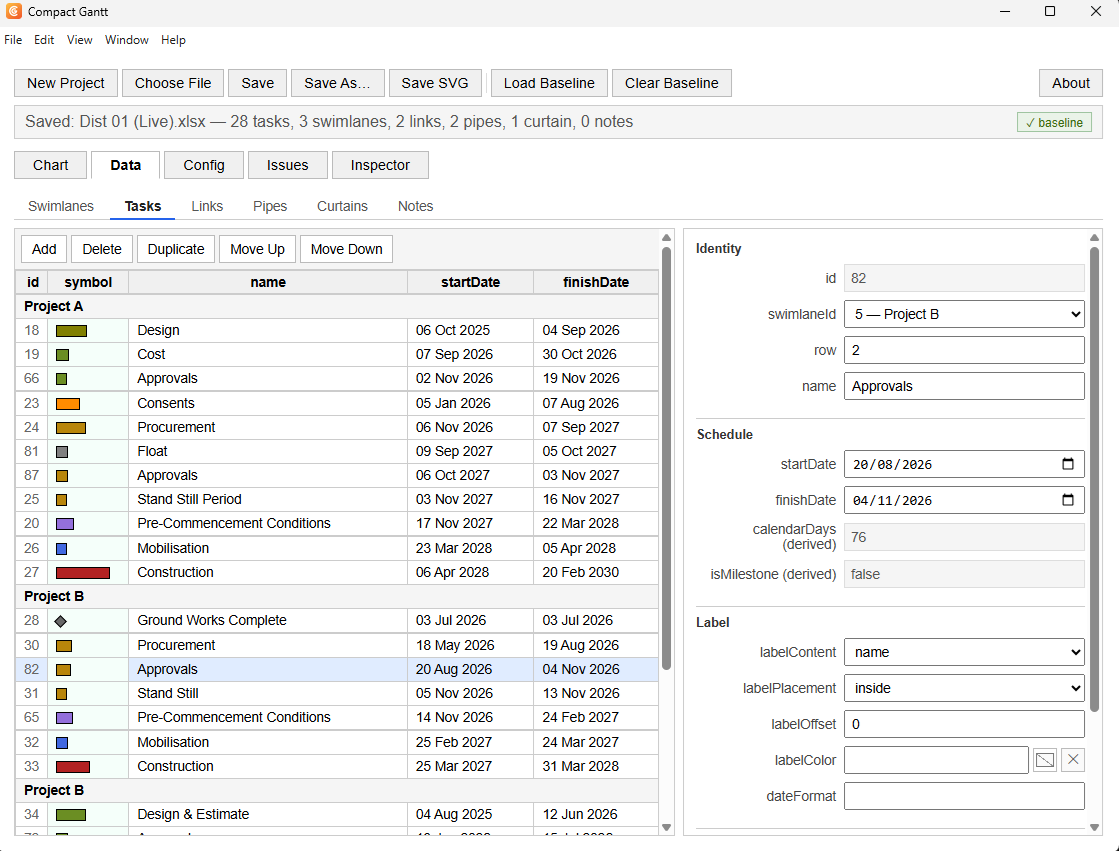
Edit the underlying data via the interface…
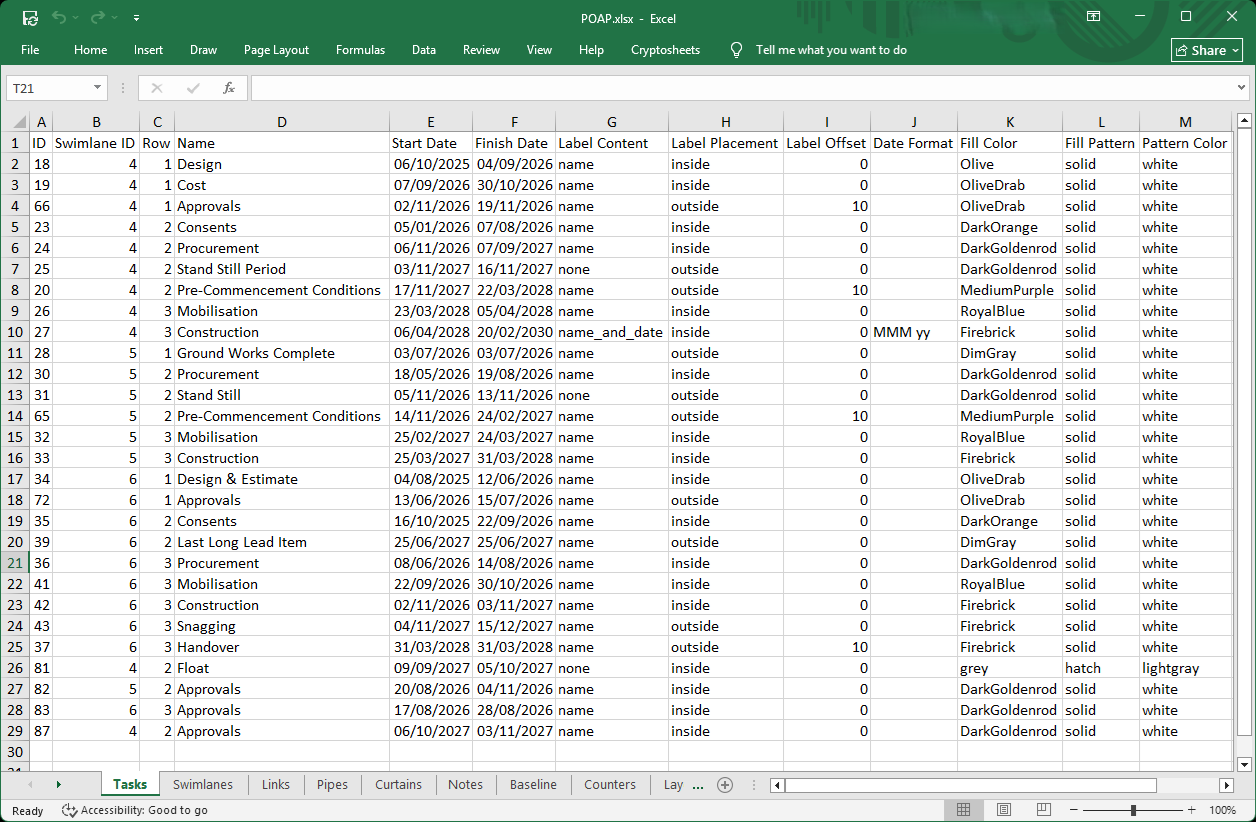
Or edit the data, directly, in the spreadsheet…
Runs as a portable Windows application (.exe).
The contact form is the only place this site collects anything. When you send a message, I receive the name, email address, and any message you provide. These are used only to read and reply to you.
Nothing is stored on this site, nothing is shared with any third party, and nothing is used for marketing.
Compact Gantt, its code, and this website are © 2026 the developer.